How Digital Banking and Online Banking Work
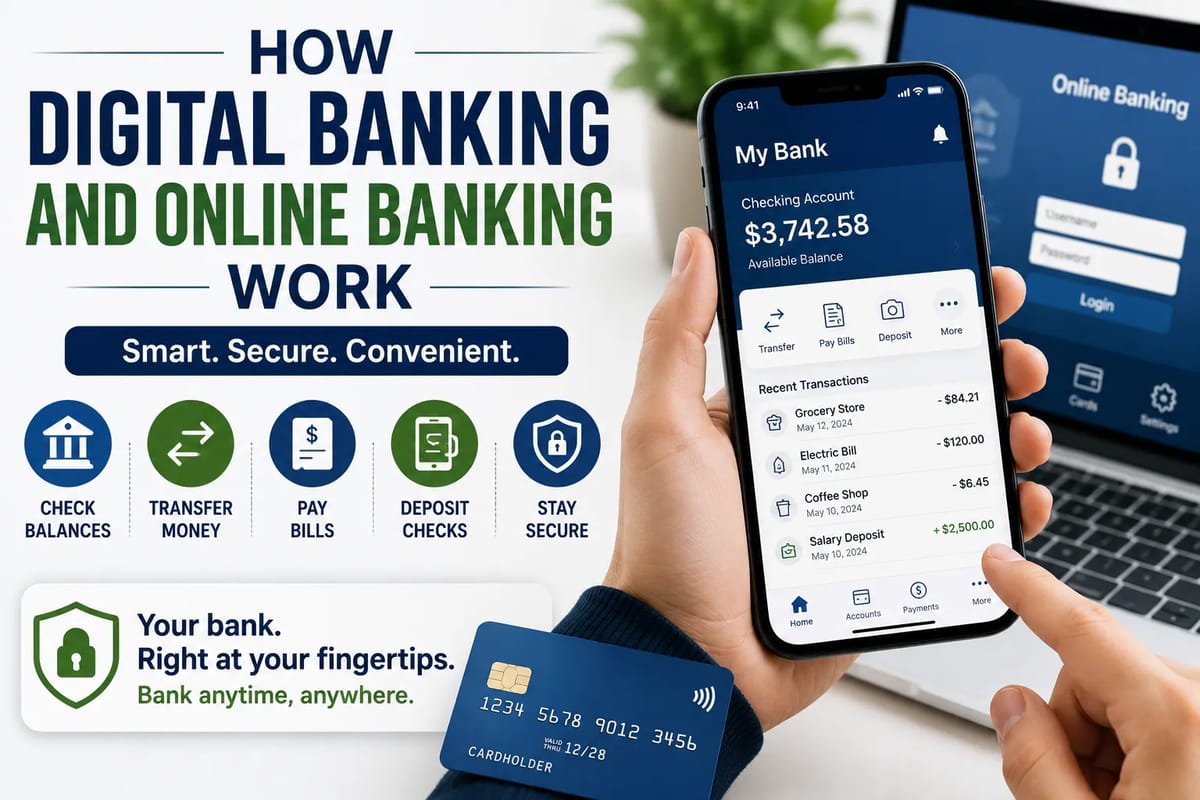
Banking has changed dramatically over the past few decades. Instead of visiting a branch for every transaction, customers can now check balances, transfer money, pay bills, deposit checks and manage accounts from a computer or smartphone.
These services are commonly described as online banking or digital banking. Although the terms are sometimes used interchangeably, they can describe slightly different things.
Online banking generally refers to accessing traditional banking services through the internet. Digital banking is broader, covering the technology, processes and services that allow financial activities to be completed electronically.
Understanding how these systems work can help consumers use them more effectively while recognizing the security risks that come with managing money online.
For a broader overview of bank accounts and the different account types available, see this complete guide to bank accounts and account types.
What Is Online Banking?
Online banking allows customers to access their bank accounts through an internet-connected device.
Instead of relying on a physical branch, customers typically use a bank’s website or mobile application to perform routine transactions.
Common online banking services include:
- Checking account balances
- Reviewing transaction history
- Transferring money
- Paying bills
- Managing beneficiaries
- Downloading statements
- Sending certain types of payments
- Applying for financial products
- Managing account settings
The exact services available depend on the financial institution and the type of account.
What Is Digital Banking?
Digital banking encompasses a broader range of technology-enabled financial services.
It can include online banking, mobile banking, digital payments, automated customer service, electronic account opening and other technology-driven financial processes.
The distinction can be summarized simply:
Online banking is primarily about accessing banking services electronically. Digital banking is about using technology to transform and deliver banking services more broadly.
A bank can therefore offer online banking without having completely redesigned all of its operations around digital technology.
How a Digital Bank Account Works
When a customer opens a digital bank account, the process generally involves several stages.
First, the customer provides information needed to establish the account and verify their identity.
The bank then checks the information through identity-verification and regulatory processes.
Once approved, the customer receives access credentials and can use the institution’s digital platform.
Behind the scenes, the account is connected to the bank’s core banking infrastructure, which maintains information about balances, transactions and other account records.
The mobile app or website essentially provides a secure interface through which customers interact with those underlying systems.
What Happens When You Log In?
Logging into an online banking account involves more than simply entering a username and password.
A typical authentication process may involve:
- The customer enters their login information.
- The banking platform checks the credentials.
- Additional authentication may be requested.
- The system verifies that the request meets security requirements.
- Access is granted to the appropriate account information.
Banks may use multi-factor authentication, device recognition, security questions, one-time codes or biometric authentication as additional safeguards.
The exact process varies between institutions.
How Mobile Banking Apps Work
Mobile banking apps provide a convenient interface between customers and their financial institution.
When a customer opens the app, it communicates securely with the bank’s backend systems.
The app may retrieve information such as:
- Current balance
- Recent transactions
- Available funds
- Pending payments
- Account notifications
When the customer initiates a transaction, the request travels through the bank’s systems for authentication, validation and processing.
The app then displays the result.
The transaction may appear almost instantly to the customer even though several systems can be involved behind the scenes.
How Online Money Transfers Work
Suppose you transfer money from your checking account to your savings account.
The banking system first verifies that you have permission to access the account and that the requested transaction meets applicable rules.
It then updates the relevant account records.
For an internal transfer between accounts at the same bank, the process can be relatively straightforward.
Transfers between different financial institutions can involve additional payment networks and processing steps.
Depending on the type of transfer, money may move through systems such as ACH or other domestic and international payment networks.
For a deeper explanation of how transfers and other payment methods move money between accounts, see how payment systems work and how money moves between accounts.
Why Some Transfers Take Longer Than Others
Not every digital payment moves at the same speed.
Processing time can depend on:
- The type of payment
- The banks involved
- Payment-network operating hours
- Weekends and holidays
- Fraud checks
- Regulatory requirements
- Whether the transaction is domestic or international
A transfer that appears to happen with a few taps may still require several systems to communicate before funds are fully settled.
How Mobile Check Deposit Works
Some banking apps allow customers to deposit checks by photographing them with a smartphone.
The process generally involves:
- Endorsing the check as instructed by the bank.
- Photographing the front and back.
- Entering the required amount.
- Submitting the deposit.
- Allowing the bank to verify and process the check.
Image-processing technology can extract information from the check, while banking systems perform additional verification.
The funds may not be immediately available because banks can place holds or perform additional processing before releasing the money.
Customers should follow their bank’s instructions regarding when to retain or destroy deposited checks.
How Digital Bill Payments Work
Online bill payment allows customers to schedule payments without writing physical checks.
A customer may select a company, enter the payment amount and choose a delivery date.
Depending on the payment arrangement, the bank may send the money electronically or issue a physical check to the recipient.
Some companies also allow customers to establish direct electronic payments through their own billing platforms.
The timing and processing method can therefore vary.
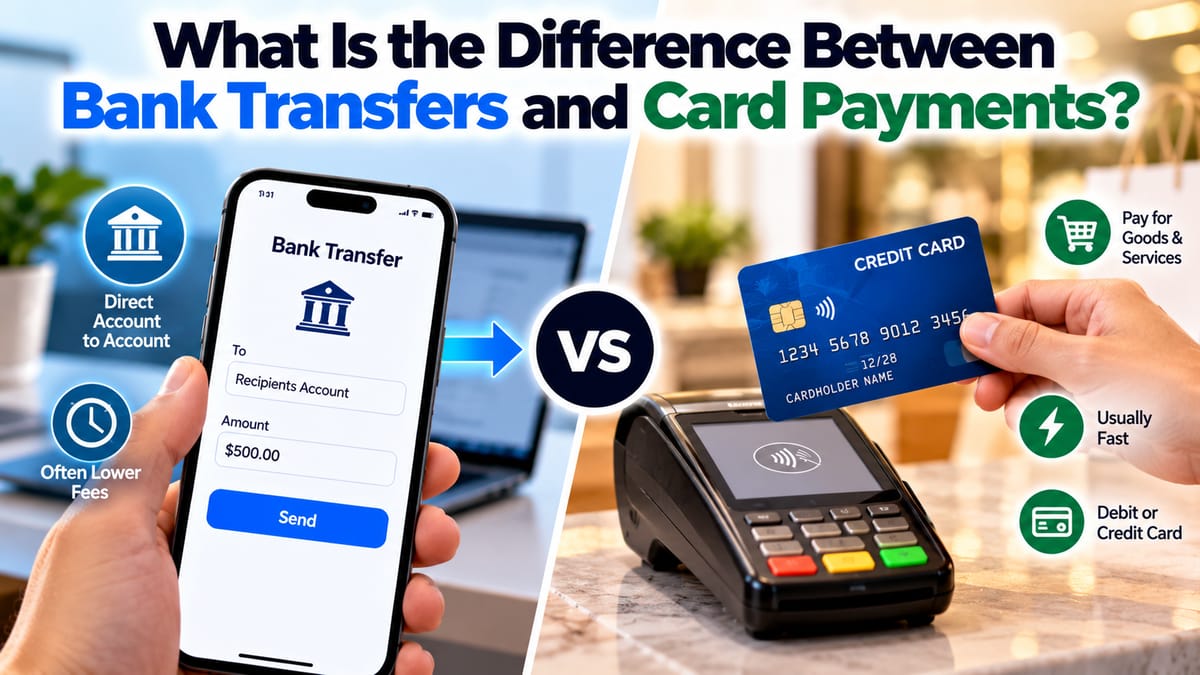
How Digital Payments Differ From Bank Transfers
Digital payment is a broad term.
A payment made using a debit card, mobile wallet, bank transfer or online bill-payment system can all be considered digital transactions.
However, these transactions can travel through different networks.
For example, a card transaction can involve:
- The customer’s bank
- The card network
- The merchant
- The merchant’s payment processor
- The merchant’s bank
A direct bank transfer may use an entirely different infrastructure.
Consumers generally do not see these underlying processes, but they determine how payments are authorized and settled.
How Banks Keep Digital Accounts Secure
Security is one of the most important parts of digital banking.
Financial institutions use multiple layers of protection rather than relying on one security measure.
These can include:
- Encryption
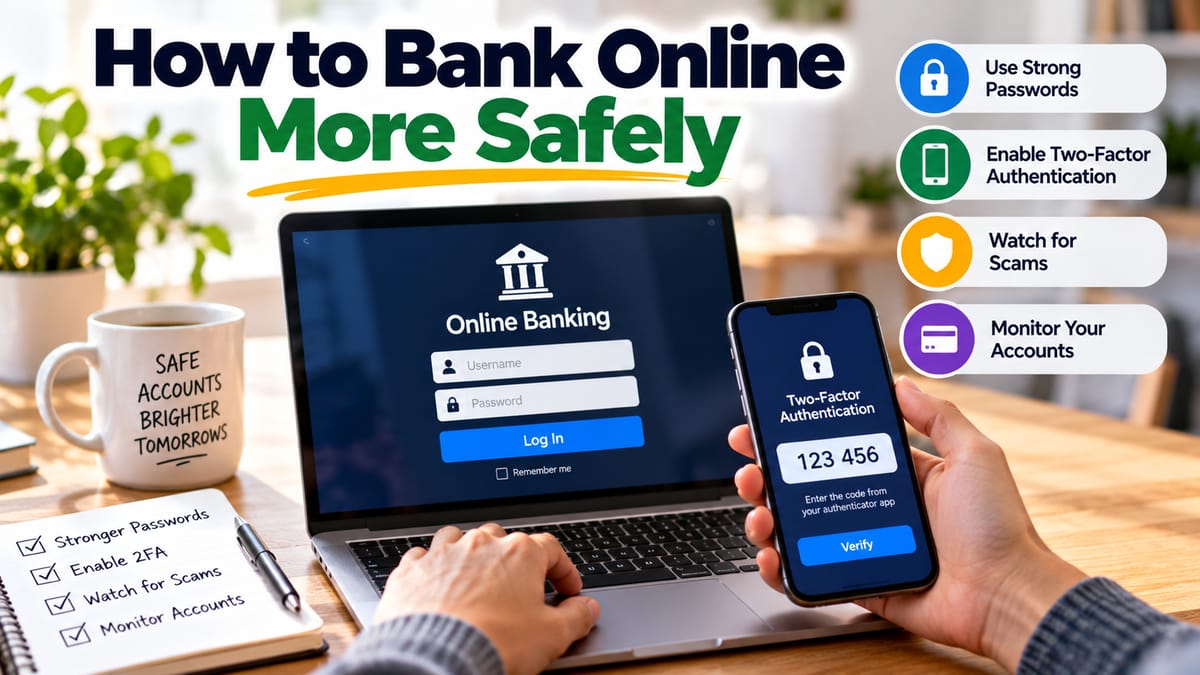
- Multi-factor authentication
- Fraud monitoring
- Device recognition
- Transaction monitoring
- Login alerts
- Account locks
- Secure communication protocols
Banks can also analyze transaction patterns to identify activity that appears unusual.
For example, a transaction that differs significantly from a customer’s normal behavior may trigger additional verification.
What Is Encryption?
Encryption converts information into a form that is difficult for unauthorized parties to understand.
When customers communicate with banking systems through properly secured connections, sensitive information is protected while it travels between devices and servers.
Encryption is an important part of digital security, but it does not eliminate every risk.
A secure banking connection cannot protect someone who voluntarily gives their password to a scammer.
Why Multi-Factor Authentication Matters
A password is only one piece of information.
If someone obtains it, they may potentially attempt to access an account.
Multi-factor authentication adds another verification step.
This might involve:
- A code sent to a trusted device
- An authentication app
- A security key
- A fingerprint
- Facial recognition
The goal is to make unauthorized access more difficult even if a password has been compromised.
How Banks Detect Fraud
Banks can monitor transactions for patterns that may indicate fraud.
Automated systems may consider factors such as:
- Transaction location
- Transaction amount
- Frequency
- Merchant information
- Device characteristics
- Previous account behavior
A suspicious transaction does not necessarily mean fraud has occurred.
Legitimate transactions can sometimes trigger security systems, particularly when a customer behaves differently from their usual pattern.
Banks may contact customers or temporarily restrict transactions while verification takes place.
Digital Banking and Artificial Intelligence
Modern banking systems increasingly use automated technologies to analyze transactions and improve customer service.
Artificial intelligence and machine-learning systems can assist with areas such as:
- Fraud detection
- Risk assessment
- Customer support
- Transaction monitoring
- Personalized financial insights
- Document processing
These technologies can process large volumes of information much faster than humans could manually.
However, automated systems also need oversight because unusual or legitimate activity can sometimes be incorrectly flagged.
How Banks Handle Your Account Data
Digital banking requires financial institutions to maintain substantial amounts of information.
Depending on the service, this may include:
- Account details
- Transaction records
- Payment information
- Identity-verification information
- Login activity
- Device information
- Communication preferences
Banks must manage this information under applicable laws, regulations and privacy requirements.
Customers should review their financial institution’s privacy and security policies to understand how their information is handled.
What Happens When You Make a Card Purchase?
When you use a debit card for a purchase, the transaction generally goes through several stages.
The merchant’s payment system sends the transaction for authorization.
The relevant payment network routes the request to the issuing bank.
The bank checks whether the transaction can be approved based on factors such as account status, available funds and security checks.
The response then travels back through the payment network to the merchant.
The customer may see the transaction appear as pending before it is finally settled.
This explains why a transaction can sometimes affect available funds before it appears as a completed transaction on the account statement.
Pending Transactions Explained
A pending transaction generally means the bank has received information about a transaction but it has not yet fully settled.
Pending transactions can occur with:
- Debit-card purchases
- Hotel reservations
- Car rentals
- Restaurants
- Online purchases
- Certain recurring payments
The final amount can occasionally differ from the initial authorization.
This is one reason customers should distinguish between available balance and posted balance when reviewing their accounts.
Digital Banking Can Reduce the Need for Branch Visits
Many routine services can now be completed without entering a branch.
Customers may be able to:
- Open certain accounts
- Deposit checks
- Transfer money
- Pay bills
- Request statements
- Update information
- Apply for loans
- Contact customer service
This can make banking more convenient for people who live far from branches or have limited time during traditional business hours.
But Physical Branches Still Have a Role
Digital banking does not eliminate the need for traditional banking services.
Some customers prefer face-to-face assistance for complex financial decisions.
Branches can also be useful for services involving:
- Large cash transactions
- Certain identification requirements
- Complex account problems
- Safe-deposit services
- Financial consultations
The balance between digital and physical banking varies by institution and customer.
The Rise of Digital-Only Banks
Some financial institutions operate primarily or entirely through digital channels.
These banks may have fewer physical locations and can potentially reduce some operating costs.
Digital-only institutions often compete through:
- Mobile-first experiences
- Lower fees
- Competitive interest rates
- Automated services
- Simple account interfaces
However, consumers should evaluate the full range of services, fees, protections and customer support before opening an account.
What Consumers Should Look for in a Digital Bank
A convenient app is useful, but it should not be the only consideration.
Before choosing a digital banking provider, compare:
Fees
Look at monthly maintenance fees, ATM fees, overdraft charges and other costs.
For more detail on these charges, see banking fees explained and how to avoid them.
Security
Check whether the institution provides multi-factor authentication, transaction alerts and other security features.
Deposit Protection
Consumers should understand what type of deposit protection applies to their accounts and which institution actually holds their deposits.
Customer Support
Consider how customers can receive help when something goes wrong.
ATM Access
For accounts that require cash withdrawals, determine where customers can access fee-free or reasonably priced ATMs.
Mobile Features
Look at whether the app provides the features you actually need.
Common Risks of Digital Banking
Digital banking is convenient, but it creates risks that consumers need to understand.
These can include:
- Phishing
- Fake banking websites
- Malware
- Stolen passwords
- SIM-related attacks
- Identity theft
- Unauthorized transactions
- Fraudulent payment requests
Many successful financial scams do not require criminals to break into a bank’s systems.
Instead, criminals attempt to persuade customers to give away their own credentials or authorize transactions.
For additional guidance on protecting financial accounts from these threats, see how to protect your bank account from fraud.
How to Avoid Banking Scams
Be suspicious of unexpected messages claiming that your account will be closed unless you act immediately.
Scammers may impersonate:
- Banks
- Payment companies
- Government agencies
- Delivery companies
- Employers
- Friends or relatives
Never assume that a message is legitimate simply because it contains your name or other personal information.
If you receive a suspicious banking message, contact your financial institution using contact information obtained independently rather than using a phone number or link supplied in the message.
Keep Banking Apps and Devices Updated
Software updates can include important security fixes.
Keeping your:
- Smartphone
- Computer
- Banking application
- Web browser
up to date can reduce exposure to known security vulnerabilities.
Use screen locks and other device-security features as well.
Turn On Transaction Alerts
Transaction notifications can provide an early warning when something unusual happens.
Depending on the bank, customers may be able to receive alerts for:
- Purchases
- Withdrawals
- Transfers
- Login attempts
- Low balances
- Password changes
The sooner unauthorized activity is noticed, the sooner the customer can contact the financial institution.
Avoid Sharing Banking Credentials
Bank employees should not need your complete password or one-time authentication code in an unsolicited interaction.
Treat login credentials and verification codes as sensitive information.
If someone asks for a code you did not expect to receive, stop and verify what is happening before providing anything.
What Happens When a Digital Banking System Goes Down?
Like any technology service, banking platforms can experience outages.
During an outage, customers may temporarily have difficulty:
- Logging in
- Checking balances
- Making transfers
- Completing payments
- Using mobile apps
A system outage does not necessarily mean money has disappeared.
Banks generally maintain multiple layers of infrastructure and transaction records, although service interruptions can still be inconvenient.
Having a small amount of emergency cash and an alternative payment method can provide flexibility during temporary disruptions.
Digital Banking Is Changing the Customer-Bank Relationship
Traditional banking often revolved around branches, paper statements and face-to-face interactions.
Digital banking has shifted much of that relationship toward software.
Customers now interact with their financial institutions through screens, automated systems and instant notifications.
That shift offers substantial convenience, but it also means consumers need to understand basic digital security.
The ability to manage money from anywhere comes with the responsibility of protecting the devices, passwords and information used to access it.
The Future of Digital Banking
Digital banking is likely to continue evolving as financial institutions adopt new technologies.
Potential developments include:
- More sophisticated fraud detection
- Faster payments
- Automated financial assistance
- Greater use of biometric authentication
- More personalized financial tools
- Embedded banking services
- Expanded digital lending
- Increased integration with mobile wallets and payment platforms
The underlying objective remains the same: allowing customers to move, save, borrow and manage money more efficiently.
Banking Is Becoming More Digital, but the Fundamentals Remain
Online and digital banking have made many routine financial tasks faster and more convenient. A customer can transfer money, pay a bill or check an account balance in seconds without visiting a branch.
Behind that simplicity is a complex network of authentication systems, payment networks, databases, security tools and financial infrastructure.
For consumers, the most important lesson is that convenience should be paired with caution.
Use strong authentication, protect your credentials, monitor transactions and verify unexpected requests before taking action. Digital banking can make managing money significantly easier, but understanding how it works is one of the best ways to use that convenience safely.